
To track the status of your placed order, follow these simple steps:
-
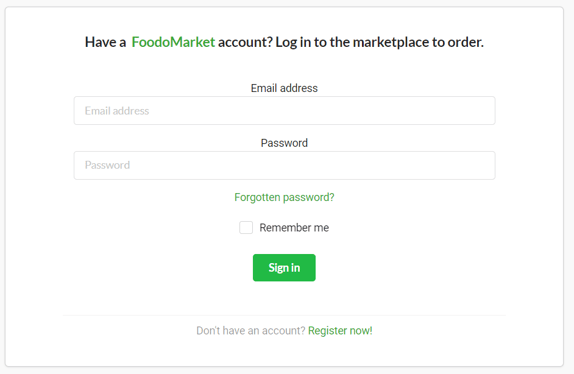
Log in to your account on the Foodomarket website or application.
-
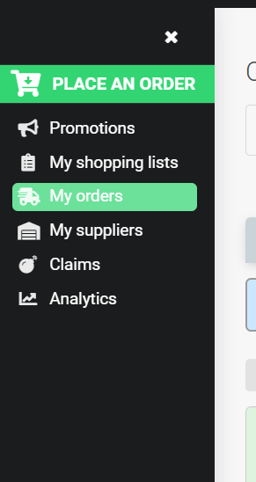
Look for the "My Orders" section in your account. Click on it to view your recent orders.
-
Find the order you wish to track from the list of recent orders and click on it to get more details.

-
In the order details, you should find information about its current status. This may include stages such as "Pending," "Sent to Supplier," "Approved by Supplier," or "Cancelled."
-
If you have any questions about the status of your order or if you encounter any issues, feel free to contact customer service for further assistance.